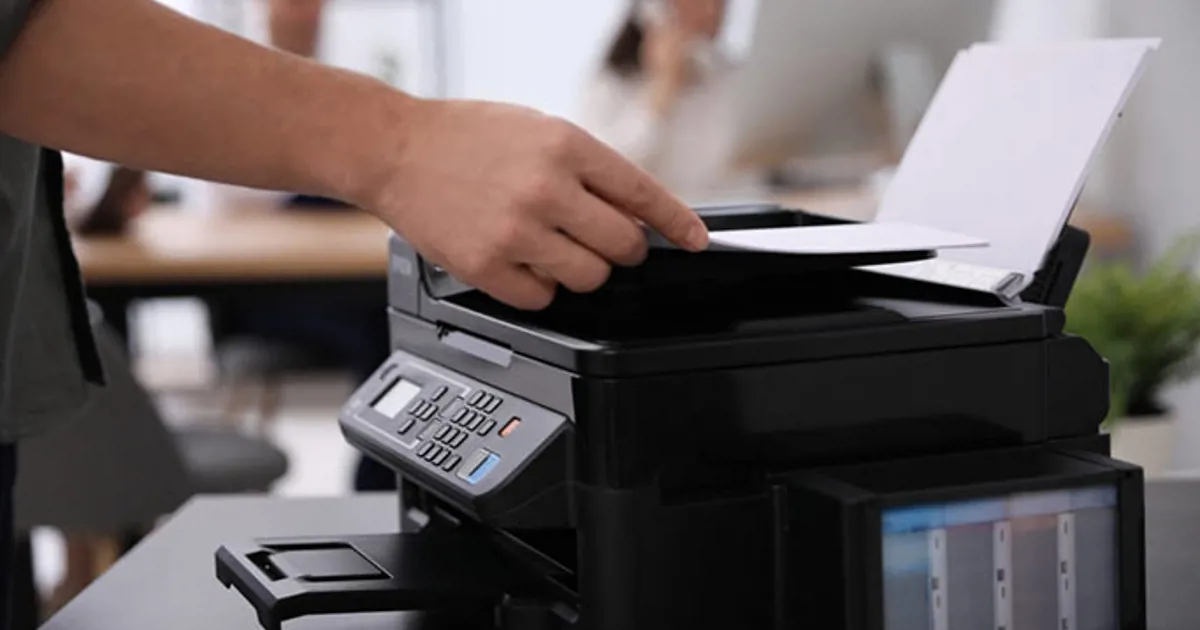
Why Won’t My Printer Print? – A Comprehensive Guide for Efficient Business Operations
Finding your printer unresponsive when you need it the most can significantly disrupt your business operations. Are you wondering, “Why won’t my printer print?” You’re not alone. This common problem can arise due to various reasons, from connectivity issues to outdated drivers. But don’t worry, we have got you covered.
In this blog, we will dive into the common reasons why your printer might not be printing and how to solve them, ensuring optimal operational efficiency for your business.
Connectivity Issues:
One of the most common reasons why a printer might not print is connectivity issues. This could be due to a faulty USB or Ethernet cable, or a glitch in your Wi-Fi connection. Check if all cables are properly connected, or if you’re using a wireless printer, ensure it’s connected to the correct network.
Outdated or Incorrect Printer Drivers:
Your printer won’t print if the drivers are outdated or incorrect. Drivers are crucial software that allow your computer and printer to communicate. Make sure you have the correct drivers installed and they are up-to-date. Visit the printer manufacturer’s website to download the latest drivers.
Printer Queue Backlog:
Sometimes, a backlog in the printer queue can cause your printer to stop printing. To resolve this, go to the ‘See What’s Printing’ section in the printer’s properties and clear any pending print jobs.
Low Ink or Toner Levels:
Often overlooked, low ink or toner levels can also be the culprit. Check your printer’s ink or toner levels to ensure they are adequate. If they’re low, it might be time for a refill or replacement.
Hardware Issues:
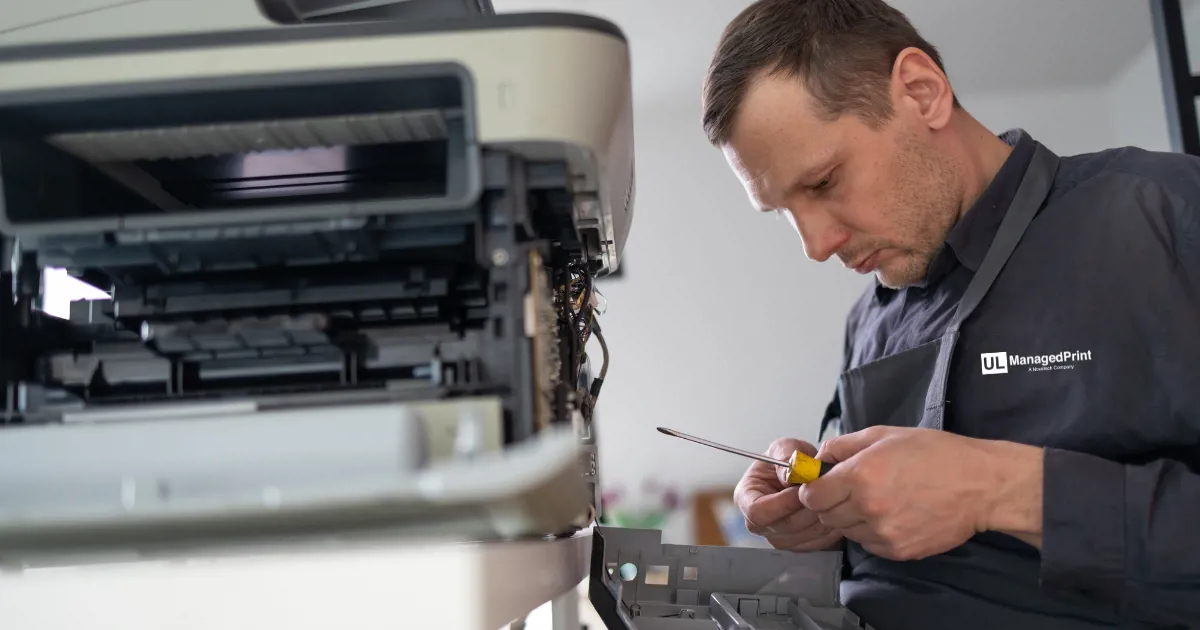
Lastly, if all the above solutions don’t work, there might be a hardware issue with your printer. Contact the manufacturer’s support or a professional printer repair service.
“Why won’t my printer print?” is a question that can cause a lot of frustration, especially in a business setting where operational efficiency is key. However, with the right approach and troubleshooting steps, it can be resolved quickly and easily. Keep this guide handy to ensure your business operations run seamlessly.
Remember, regular maintenance and updates are crucial to the longevity and efficiency of your printer. Make sure to update printer drivers regularly, check connectivity, and monitor ink or toner levels to avoid unnecessary disruptions in your business operations.