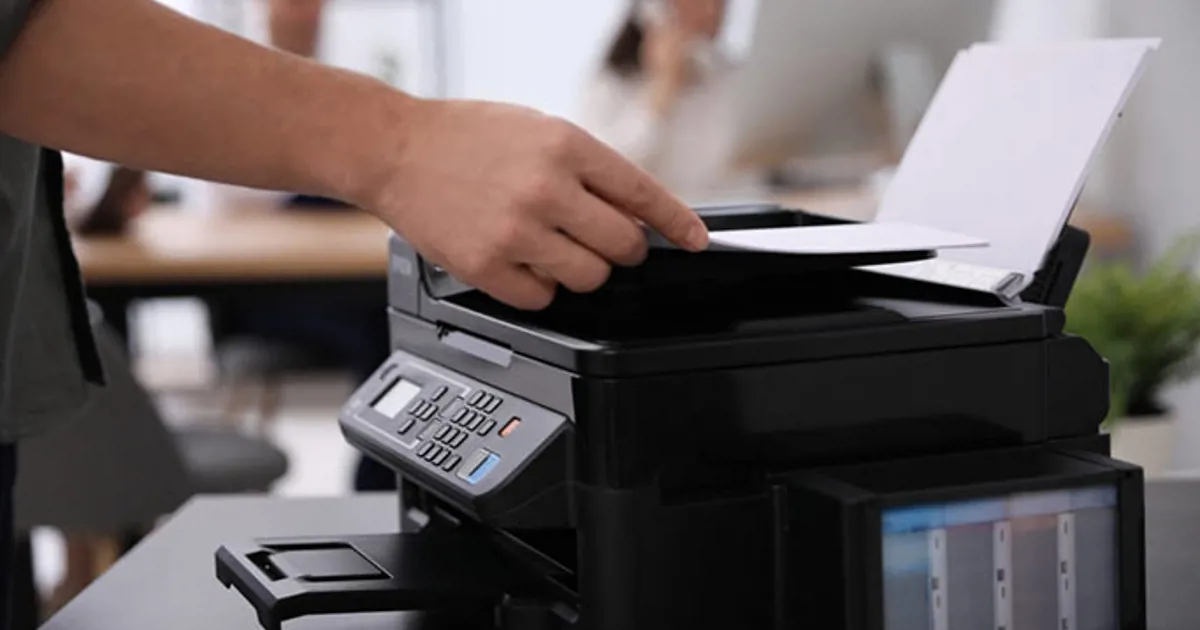
How to Fix the “Printer is Offline” Problem: A Step-by-Step Guide
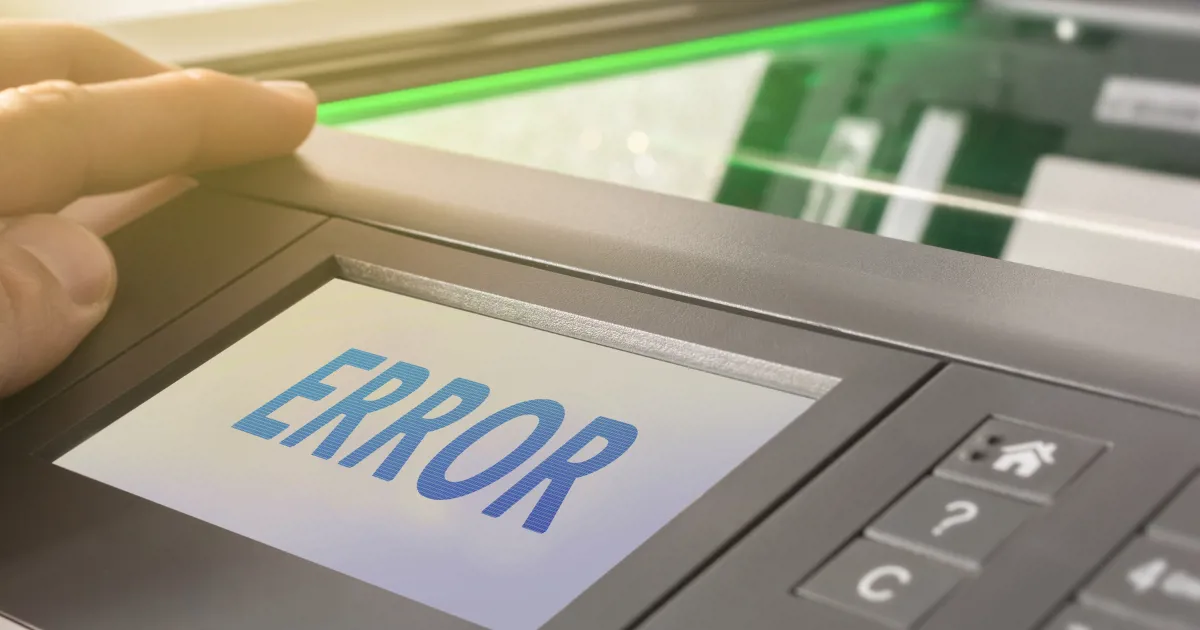
Dealing with a printer that won’t do what you want it to do can be stressful. We’ve all been there: you need to print an important paper right away, but the device says “Printer is offline.” You are not the only one with this problem. We get asked to fix this common problem a lot at ManagedPrint. In this post, we’ll show you step-by-step how to fix the “printer is offline” problem for popular printer brands like HP, Lexmark, Canon, Brother, and Xerox.
Step 1: Make sure the printer is hooked up
The first thing you should do is make sure your printer is connected properly. If you have a wired printer, make sure that both ends of the USB or Ethernet cable are firmly plugged in. Make sure your printer is hooked up to the right Wi-Fi network. This is especially important if you have recently changed your network or password.
Step 2: Turn on the printer again
Sometimes, all it takes to fix the “printer is offline” message is to restart the computer and printer. Stop any copy jobs or active work and unplug it from the power source. Wait a minute and then plug it back in and turn it back on.
Step 3: Verify printer status
Check the printer for error codes or blinking lights that could mean something is wrong. Check the printer’s manual or online help page to find out what these signs mean.
Step 4: Look at how the printer is set up
Go to ‘Printers & Scanners’ in your computer’s settings. If your printer is set as the default and its state is still offline, right-click on the printer name and choose “See what’s printing.” Click “Printer” in the menu bar and uncheck the box next to “Use Printer Offline.”
Step 5: Update printer drivers
If the printer driver is out of date or doesn’t work with the printer, the printer may stop working. Check the HP, Lexmark, Canon, Brother, or Xerox pages for the most recent driver updates. Follow the steps on the site to download and set them up.
Step 6: Remove the printer and put it back in place.
If the printer is still showing as offline, deleting and reinstalling it might help. Remove the printer from “Printers and Scanners” in your computer’s settings, restart your computer, and then add the printer again.
Step 7: Talk to a professional
If nothing else works, it’s time to bring in the professionals. As part of our controlled print services, ManagedPrint can quickly and effectively figure out why a printer is offline and fix it. Our trained technicians have worked with top names like HP, Lexmark, Canon, Brother, and Xerox for a long time.
Step 8: Contact ManagedPrint Today
With this full guide, you should be able to fix the “printer is offline” problem quickly. Don’t be afraid to get in touch with us at ManagedPrint if the problem keeps happening. We are experts in managed print services, which help businesses take care of their printers and fix problems that slow down work.
When you work with ManagedPrint, you can spend more time doing what you do best, which is running your business, and less time making sure your printers are working.
Remember that you do not have to deal with printer problems on your own. Contact ManagedPrint right away and let us handle the upkeep and repair of your printers.